 Momen
Momen 
Momen Tag
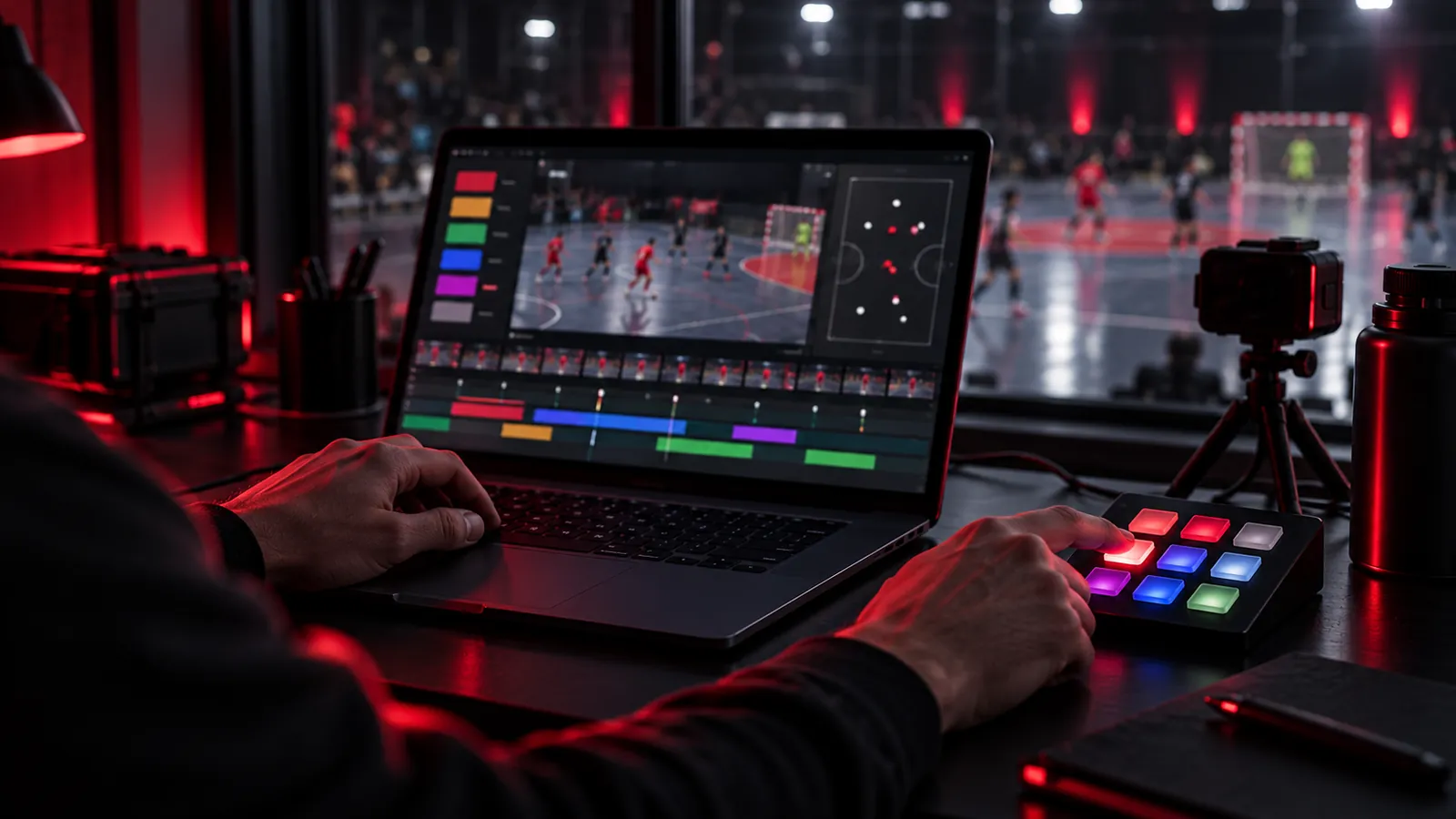
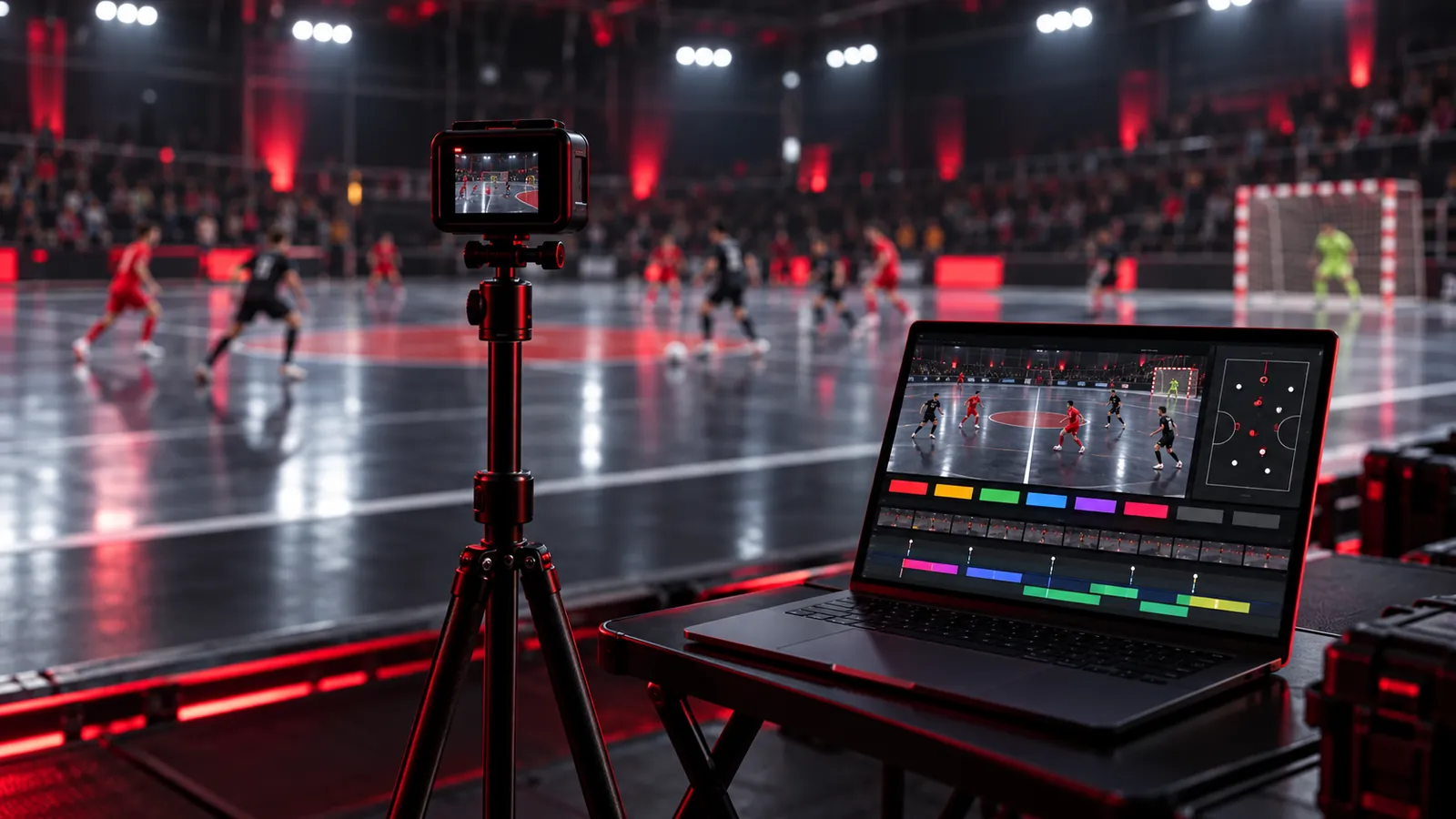
Tag moments while you watch, or live from the sideline.
A button board you build yourself, keyboard shortcuts, and a timeline that feels like a video editor. One click in the clip list and the video jumps to the moment.
- Your own button board and shortcuts, with continuous tags, labels, and seconds before and after.
- Tag without video on a match clock, then line it up with the video from one start point.
- A timeline like Premiere Pro: drag, trim, zoom, J K L, Ctrl+Z.
- Thumbs, stars and notes on every clip; select many clips at once.
- Export clips with file names in your order, plus a tags.xlsx clip list.
- Every match in one list: close it, open another, carry on any time.
- Player lists for both teams: click a player and they stick to the tag and go into the file name.
- Several boards per match, which you can switch and edit while the match runs.
- Label groups: one result per clip, and labels just for certain tags.
- HOME or AWAY on every clip, with the team name in the file name and Excel.
- A whole match in one file: open it on another laptop or hand it to your staff.